Shadow Dungeon Beginner Guide: First Session Checklist
Choose a first class, bind an active skill, prepare the hub, and enter Chapter 1 without wasting inventory space or reset items.
Direct answer
Choose a class by combat style, confirm your input mode, spend one skill point, and bind that active skill before entering Chapter 1. Use the hub merchant and storage to leave with a working action bar and uncluttered inventory.
Quick answer
- Bind one active skill before testing combat.
- Use storage for promising gear you do not need on the next map.
- Confirm supplies and the Chapter 1 portal before leaving the hub.
- Verify any reset item's current label and effect before using it.
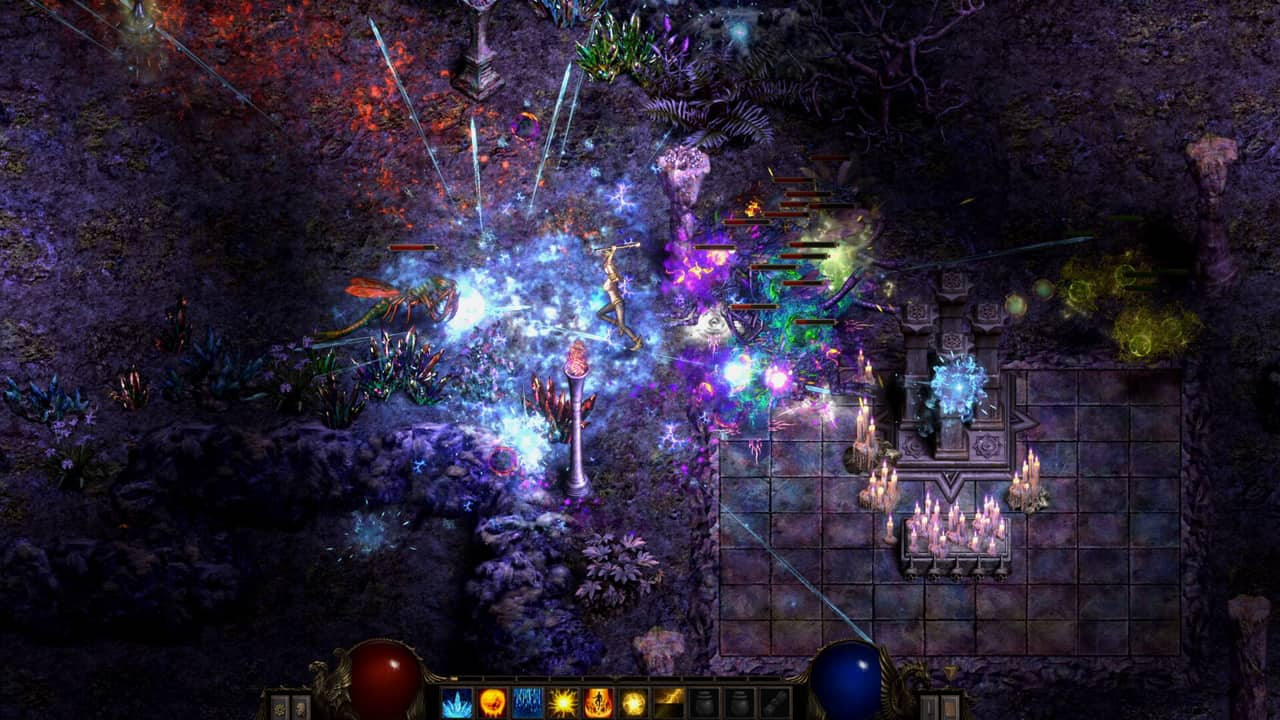
Your First Session Plan
The safest route is short: choose a role you understand, confirm how your input device handles attacks, bind one active skill, prepare in the hub, and enter Chapter 1. A safe first run begins when one active skill visibly replaces the placeholder sword icon.
| Phase | Action | Visible completion check |
|---|---|---|
| Before the first map | Choose a class, review the input mode, spend one point, and bind the active skill | The action bar shows the skill you selected |
| During the first fight | Use the bound input against the first enemy group | The selected skill fires instead of leaving the placeholder inactive |
| After the run | Review carried gear and move long-term items into storage | Useful future gear is stored and current supplies remain easy to reach |
Choose a Low-Risk Start
Low risk means choosing controls and a role that already match how you like to play. Every launch class has three talent trees, so the first class choice sets a direction without forcing every later point into one path.
| Preferred combat style | Starting role | What the role emphasizes |
|---|---|---|
| Elemental casting | Mage | Elemental attacks |
| Close-range weapon play | Paladin | Dual-blade combat |
| Precise ranged attacks | Ranger | Precision attacks |
| Fighting through companions | Necromancer | Summon-focused combat |
Mouse input supports movement and the main inventory interfaces. Controller play adds auto-targeting and auto-attacks, while shoulder buttons can page through inventory, storage, and talent trees. Pick the mode whose targeting behavior feels predictable, then keep it unchanged through the first map so a control change does not hide a skill-binding problem.
Prepare the Hub Before Chapter 1
The early hub shown in beginner gameplay connects the supply merchant, shared storage, and the portal into Chapter 1. Treat those stations as a departure checklist.
- Open the talent tree, spend one skill point, and assign the resulting active skill to the action bar.
- Test the bound input in a safe hub moment and confirm the action bar responds.
- Check the supply merchant and confirm the consumables you plan to carry are equipped.
- Move promising gear that has no immediate use into the shared storage warehouse.
- Enter the Chapter 1 portal only after the active skill, supplies, and carry space pass those checks.
Shadow Dungeon Early Hub and Chapter 1 Walkthrough
This pre-release first look shows class setup, talent allocation, storage, the supply merchant, and the route from the hub into Chapter 1. Interface labels may differ in the launch build.
Progress Checks Before, During, and After the Run
| Checkpoint | Expected state | What confirms progress |
|---|---|---|
| Before the first run | An active skill is assigned and the intended input mode is understood | The action bar displays the chosen skill instead of only placeholder sword icons |
| During the first fight | The bound input activates the selected skill | The character produces that skill's attack rather than doing nothing |
| After returning to the hub | Immediate supplies stay in inventory and future gear moves to storage | Carry space is clearer and the stored item remains available on an unlimited storage page |
If one checkpoint fails, fix that state before advancing. This keeps a control issue, an empty binding, and inventory pressure from appearing as one vague progression problem.
Inventory and Reset Choices
New inventory pages unlock through quests, so early carry space has a progression limit. The storage warehouse has unlimited pages, which makes it the safer home for promising gear that is not improving the current run.
| Decision | Best early action | Reason |
|---|---|---|
| The item improves the next map | Keep it available and compare it before entering the portal | Immediate upgrades should stay easy to equip |
| The item may suit a later talent direction | Move it to storage | Unlimited warehouse pages preserve options without filling current inventory |
| The item has no clear current use | Keep carry space available for supplies and immediate upgrades | Additional inventory pages arrive through quest progress |
| Early skill points block the direction you want | Inspect the current reset item before committing more points | Pre-release footage showed a full point refund, while the launch label and behavior still need an in-game check |
The pre-release interface called the reset consumable Potion of Destruction. Confirm its current description before use, especially if the character already has several useful allocations.
If the First Attack Does Nothing
Current player reports identify one repeatable first-session symptom: placeholder sword icons remain on the action bar and the character does not attack. Start with the smallest reversible checks.
| Diagnostic step | What to inspect | Next check |
|---|---|---|
| Expected state | At least one spent skill is assigned to an action-bar slot | Confirm the chosen skill icon is visible |
| Symptom | The placeholder sword remains and the attack input does nothing | Reopen the talent tree and verify a point was actually spent |
| Likely cause | The learned active skill has not been bound to the action bar | Assign it, close the menu, and test once more |
| Input check | Mouse or controller behavior differs from what you expected | Review the current input setting before changing the build |
Avoid spending extra points to solve an input problem. First prove that one learned skill, one action-bar slot, and one input command work together.
Review Before the Next Run
- The action bar still shows the intended active skill.
- The current input mode activates that skill reliably.
- Immediate supplies remain accessible.
- Promising future gear has moved to storage.
- Any planned reset has been checked against the current item description.
- The next talent point supports the class direction you actually want to test.
Once those checks stay stable, the next useful decision is which of the class's three talent trees should receive additional points.
What Is Confirmed at Launch
| Topic | Confidence boundary | How to use it |
|---|---|---|
| Four classes and three trees per class | Confirmed for the launch release | Choose by role, then inspect all three trees before investing deeply |
| Mouse and controller interface behavior | Confirmed for the launch release | Use the documented input behavior when diagnosing attacks or menu paging |
| Quest-unlocked inventory and unlimited storage pages | Confirmed for the launch release | Treat storage as long-term capacity while quest progress expands inventory |
| Hub layout and Chapter 1 portal route | Observed in a pre-release build | Follow the route, while allowing for moved stations or renamed labels |
| Potion of Destruction refund behavior | Observed in pre-release talent footage | Verify the launch description before consuming a reset item |